Tailor the customer story
Ask AI to adapt the deck for a segment, use case, industry, or specific customer context.
Flato helps teams create customer-ready sales presentations: co-create the story, refine product visuals, clean up charts, keep the deck on brand, and share online.
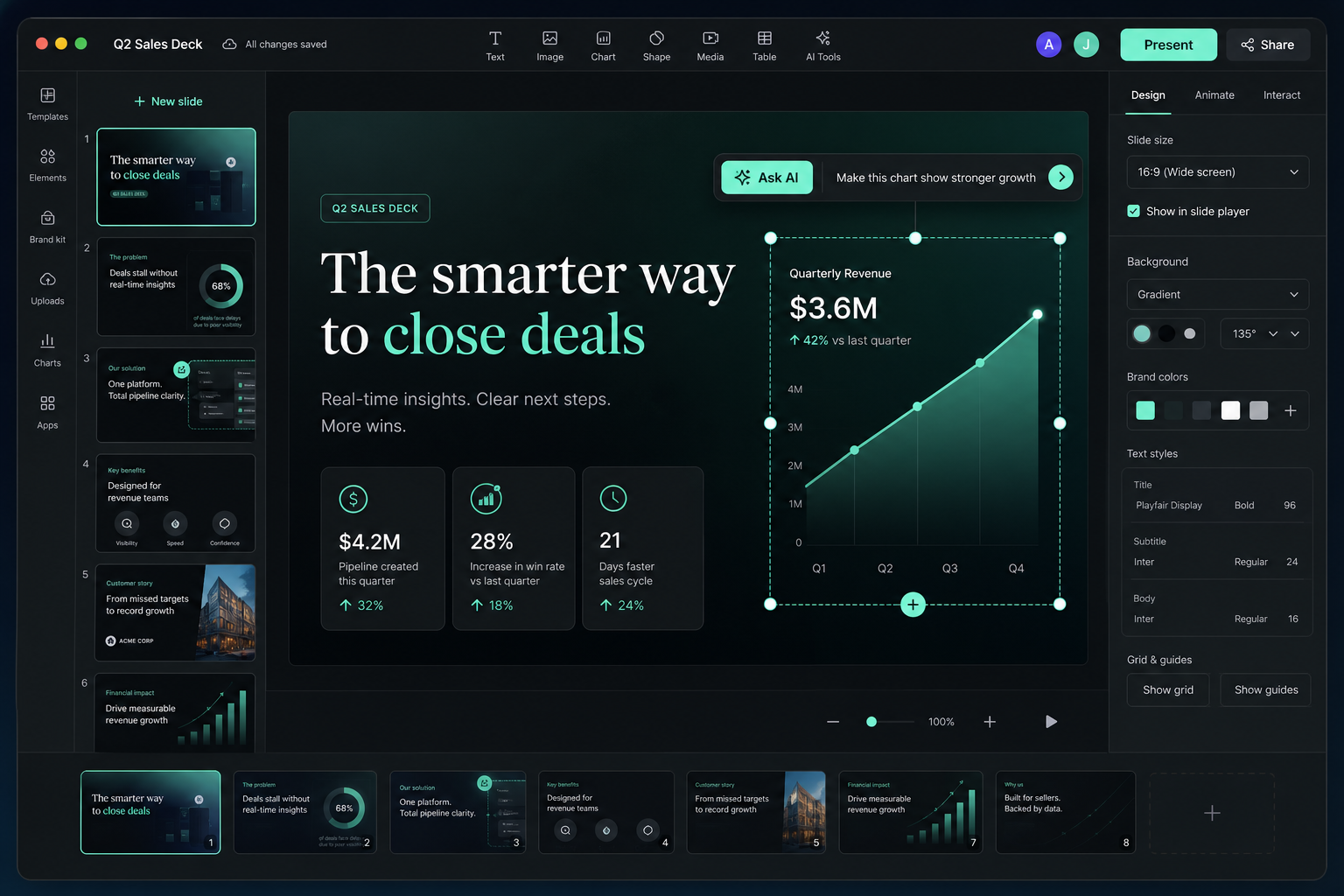

Sales deck features
Ask AI to adapt the deck for a segment, use case, industry, or specific customer context.
Improve product screenshots, comparison pages, pricing visuals, and chart-heavy slides.
Keep layouts, typography, color, and visual emphasis consistent across every sales slide.
Send a link, play the presentation in the browser, and continue improving after feedback.
Sales deck starters
Use a starter for product pitches, customer walkthroughs, proposals, and revenue stories, then keep editing on the canvas.
 Luxury Resort and Spa Presentation
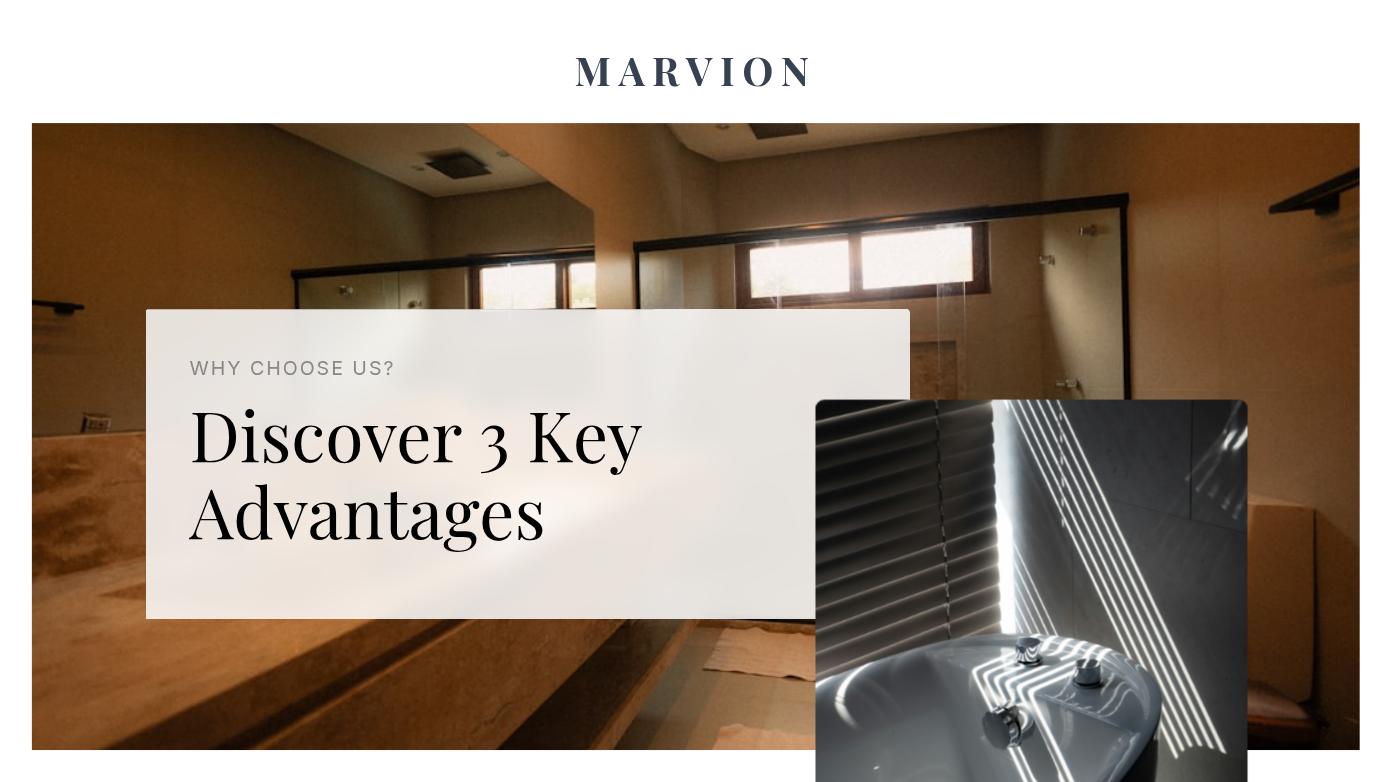 Luxury Interior Design Presentation SlidesMinimalist Furniture E-commerce Website Design
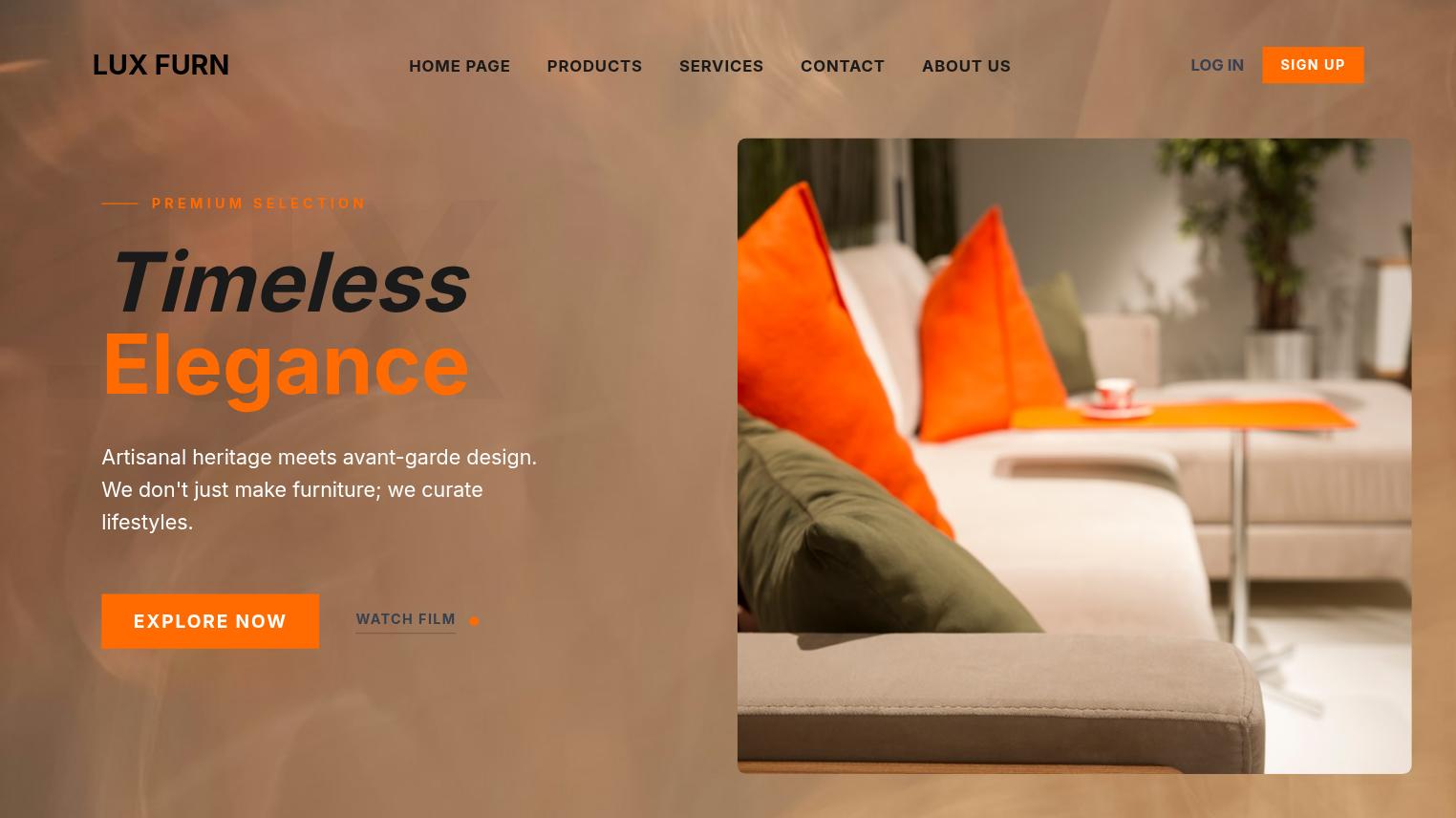 Modern Minimalist Furniture Website Design
 Modern Retail Shopping Presentation Deck
 Modern Tech Business Pitch Deck
 Luxury Corporate Financial Brand Identity
 Minimalist Luxury Coaching Services Presentation
 Minimalist Interior Design Portfolio Presentation
 Real Estate Sal
 Minimalist Forest Retreat Presentation Deck
 Business Strate
More presentation entry points
Workflow
Define audience, pain points, product value, proof, and the action you want after the meeting.
Ask your AI designer to tighten the story, add missing slides, or adapt the deck to a use case.
Clean up diagrams, screenshots, charts, and product pages while everything remains editable.
Share the online deck, present it, and keep improving the same canvas for the next customer.
Early feedback
“Flato feels less like a one-shot slide workflow and more like a real designer inside the canvas. I can point at the page, ask for changes, and keep moving toward a presentation I can actually use.”
“The chart slides used to be the slowest part. With Flato, I can turn numbers into a clearer visual page and still edit the hierarchy, colors, and copy afterward.”
“I never thought I could make a presentation feel close to video-level motion by myself. Flato gives me the canvas and the AI help to make the deck feel alive.”
“For teaching materials, the interactive layer changes the room. I can build courseware that students respond to instead of showing another static slide deck.”
“I can share a polished online deck with clients, then keep refining the same canvas instead of managing exported files and disconnected feedback.”
“The most useful part is continuity. Flato keeps co-creating after the first draft, so the final presentation still feels designed, not just generated.”
FAQ
Yes. Flato helps create sales decks, customer pitches, product walkthroughs, proposal decks, and other editable sales presentations.
Yes. You can ask AI to adapt sections, examples, tone, use cases, and visuals for different audiences.
Yes. The deck remains editable on the canvas, so you can change copy, images, charts, layouts, and visual hierarchy.
Yes. Flato supports online sharing and presentation playback, useful for customer meetings and follow-up links.
Yes. A sales deck can evolve into a motion-ready or interactive presentation layer because the design stays canvas-native.
Yes. Starters provide a first structure, then Flato helps you tailor the deck to the customer.
Start with the customer story, then keep refining the presentation online.
Open Flato