Create posts and carousels
Move from campaign idea to editable social visuals without locking the layout into a flat image.
Flato helps you co-create editable social posts, carousels, announcement graphics, and campaign visuals that stay on brand after the first draft.
Social features
Move from campaign idea to editable social visuals without locking the layout into a flat image.
Adapt the same concept for announcements, launches, promos, and follow-up posts while keeping visual consistency.
Prepare social visuals that can evolve into motion, interactive scenes, or presentation assets.
Starters
Use a starter for structure, then keep editing copy, hierarchy, image direction, and brand style.
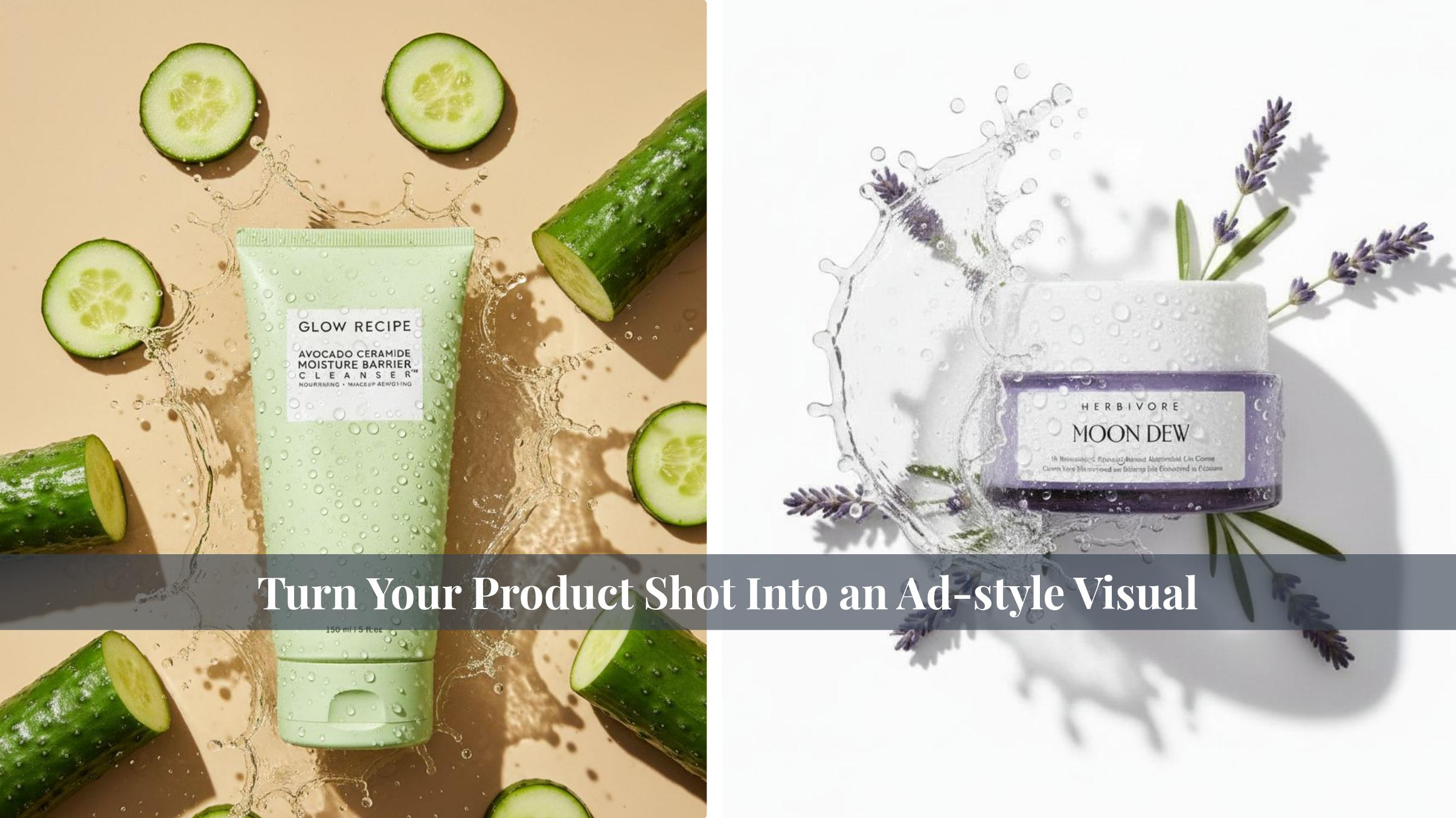
 Professional Skincare Product Advertising Visuals
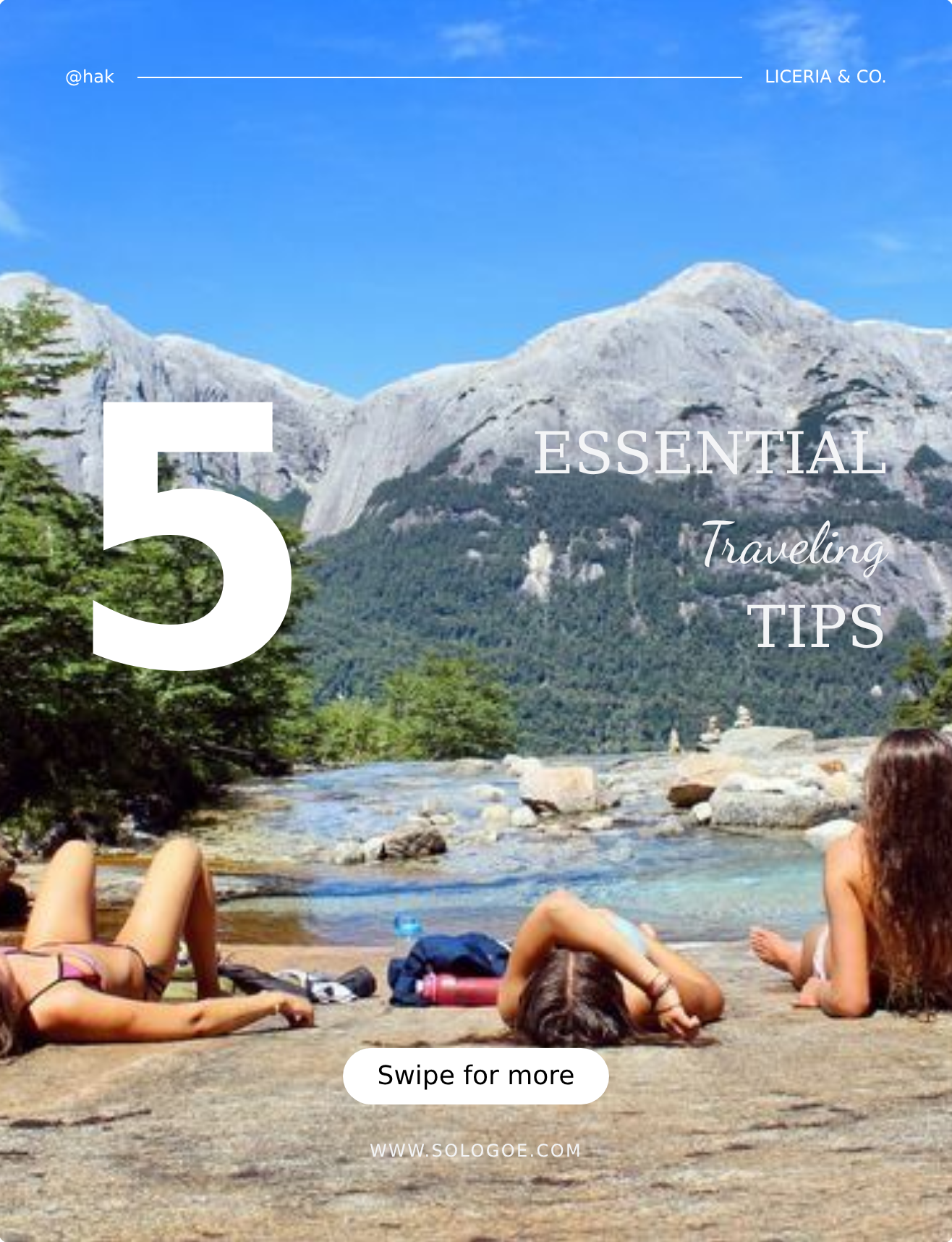 3:4 Summer Vacation Minimalist Travel Poster
 Lifestyle 9:16 Vertical Daily Quote Poster
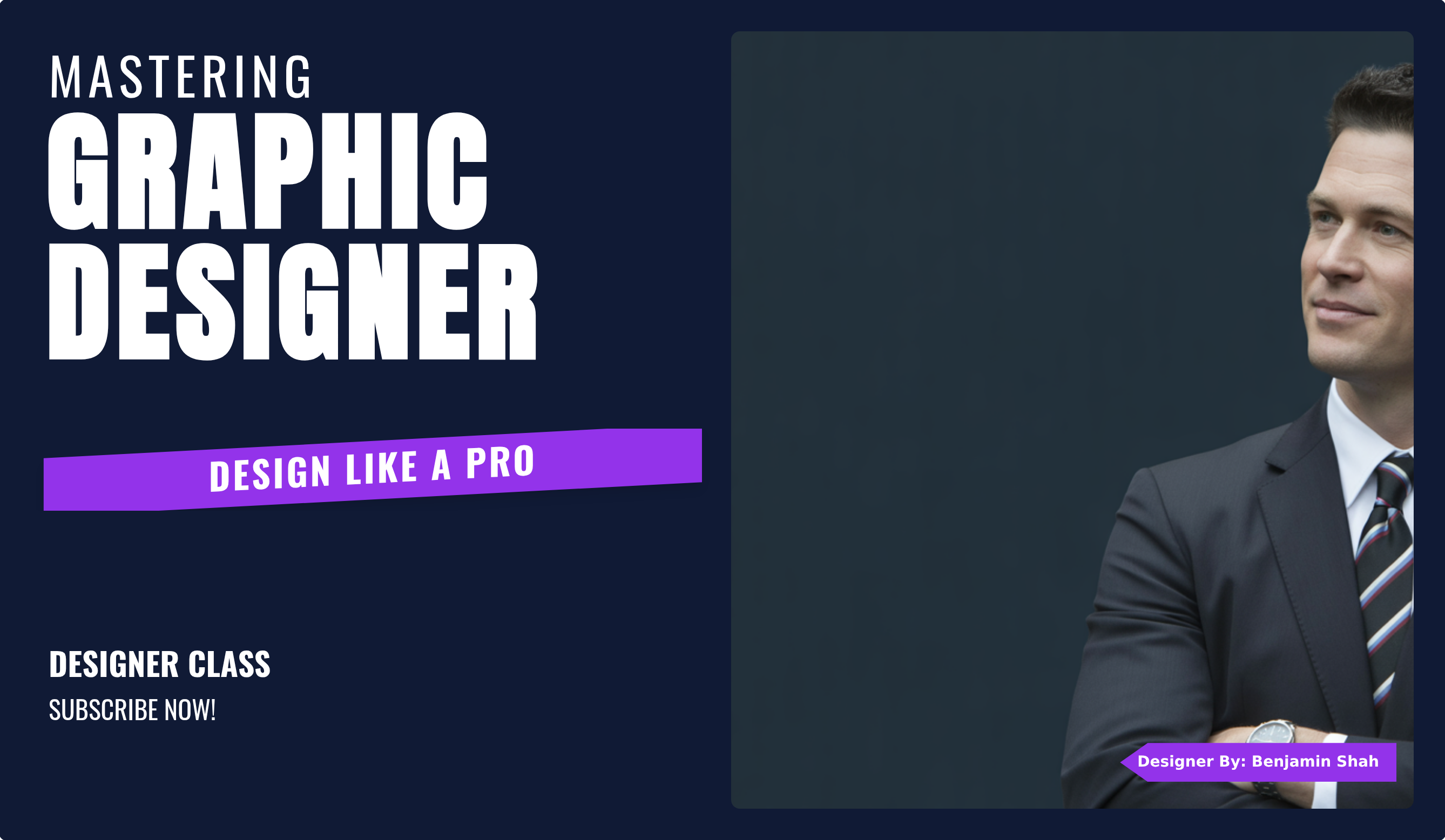 Modern Professional 16:9 Horizontal YouTube Cover
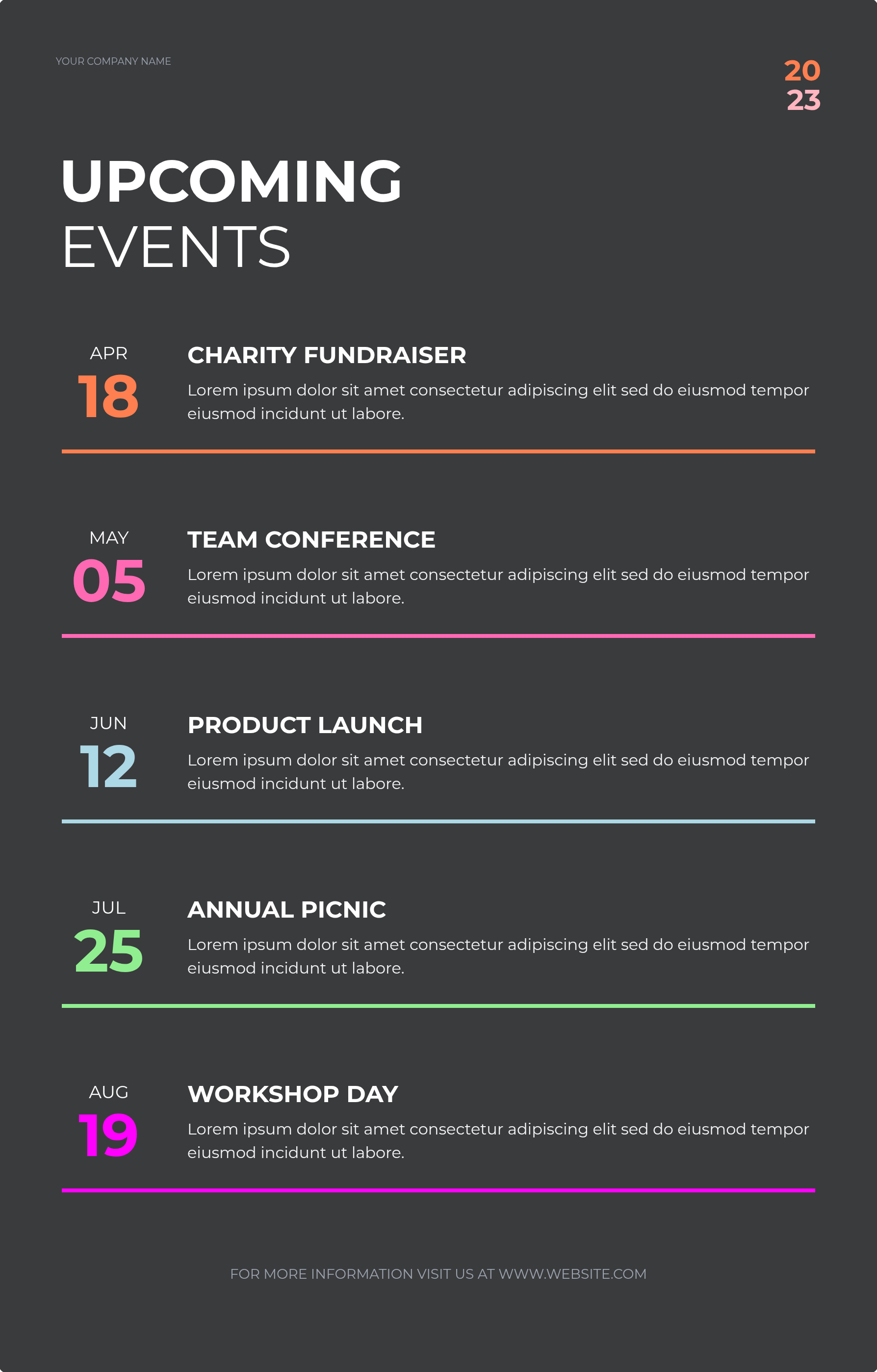 Vertical Minimalist Modern Bold Dark Gray Textured Background Colorful Event Schedule Poster
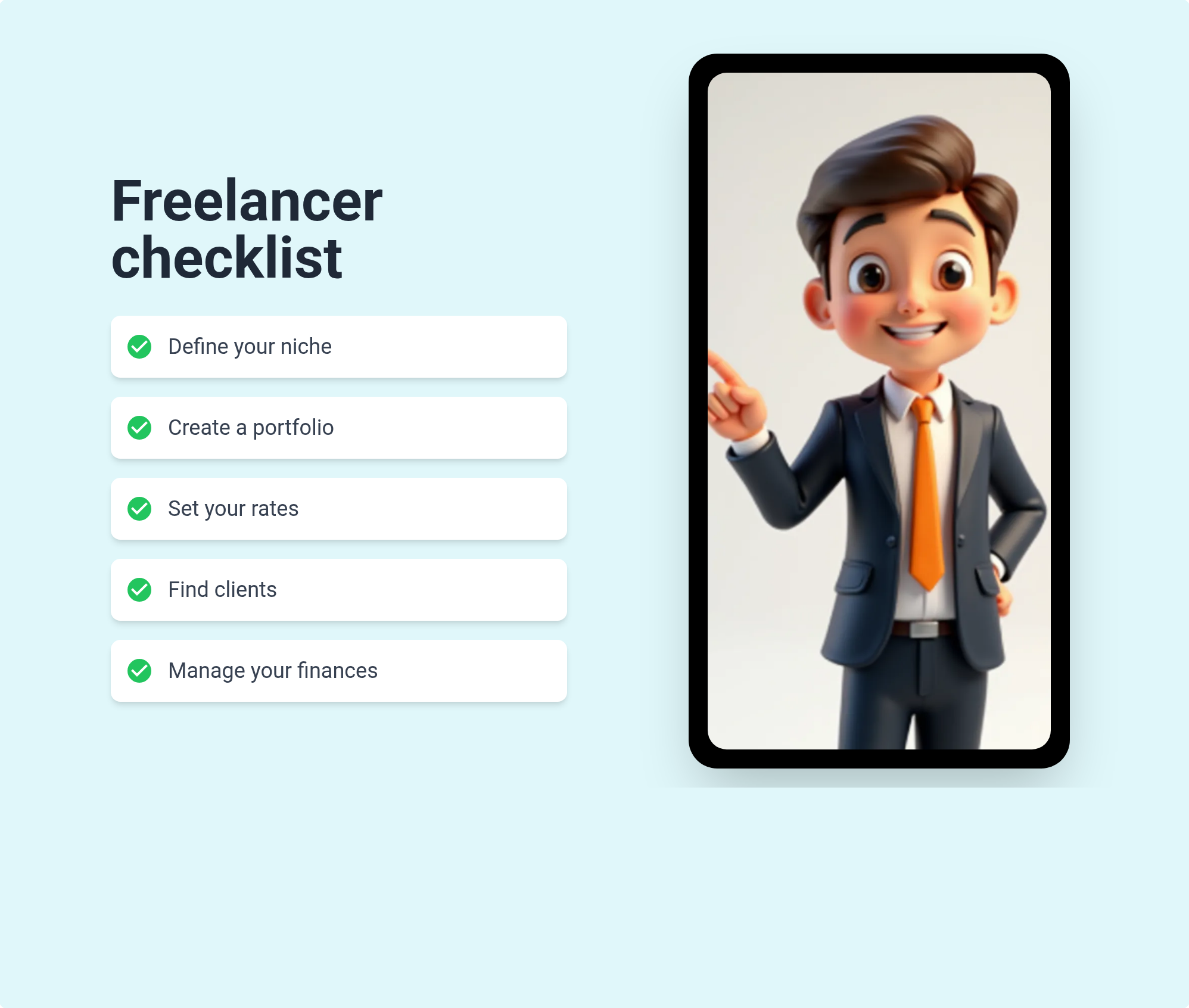 3D Cartoon Business Illustration Square Poster
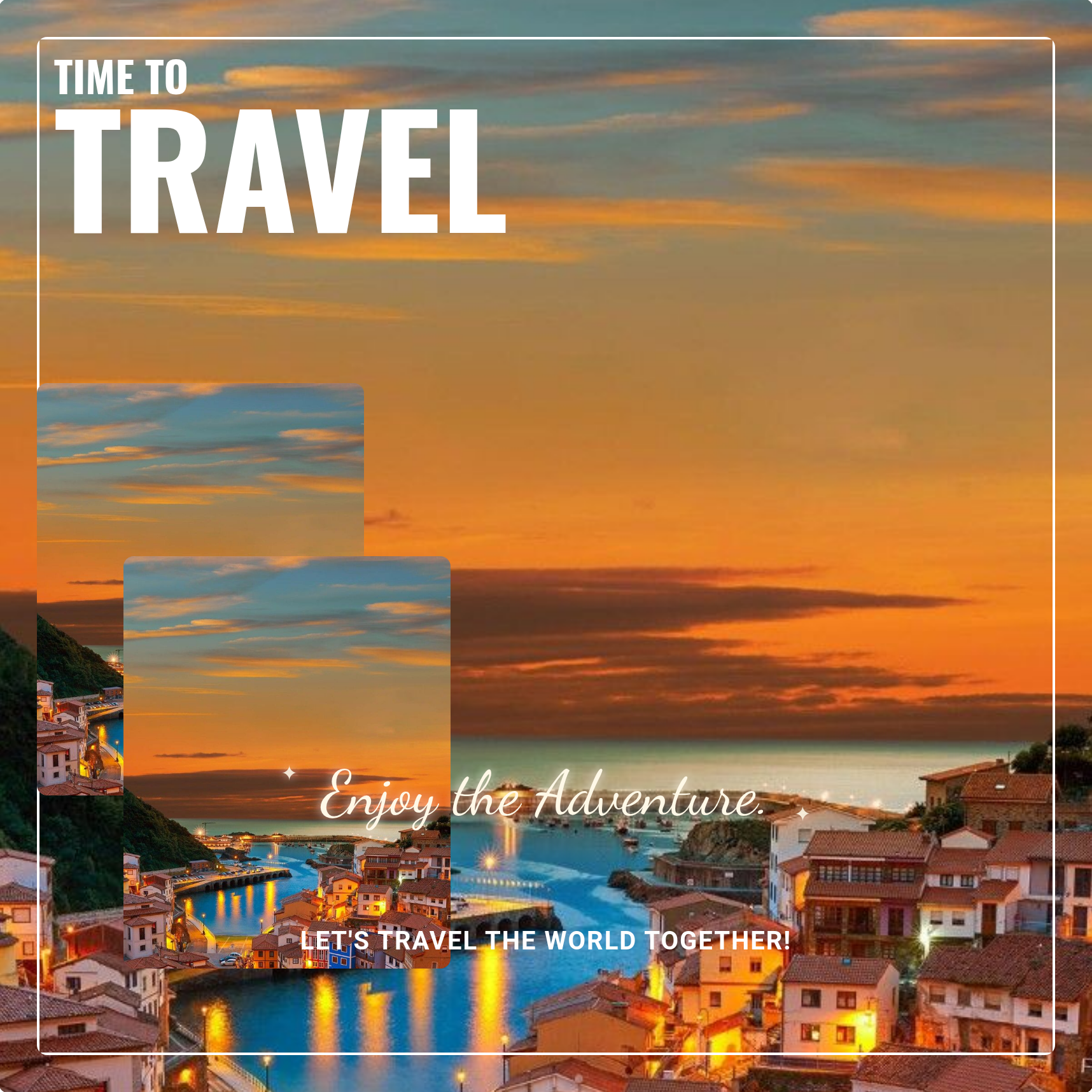 Square Realistic Travel Elegant Style Poster
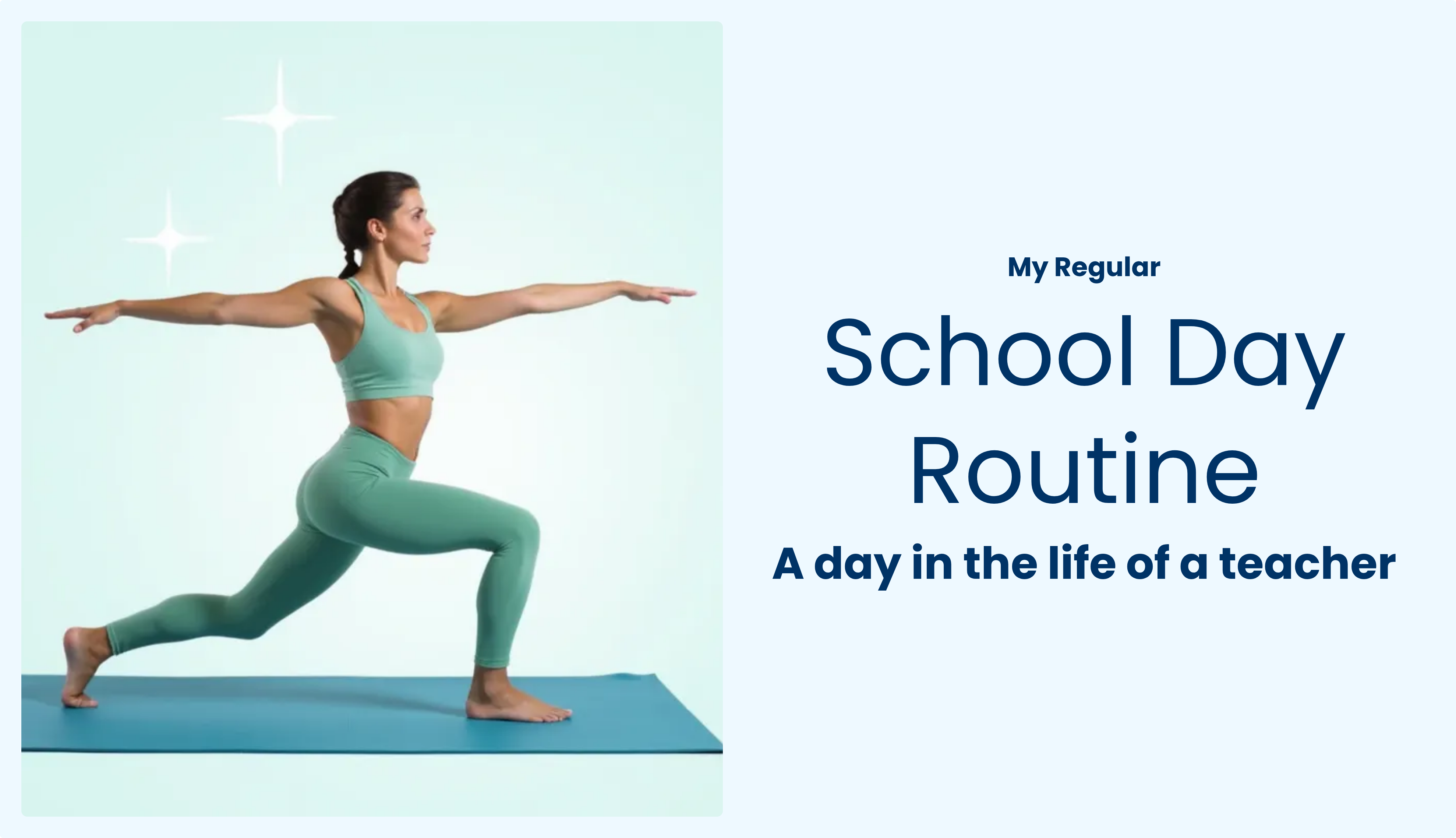 16:9 Horizontal Split-Layout Yoga YouTube Cover
More ways to create with Flato
Workflow
Give Flato the campaign goal, audience, offer, launch note, or social angle.
Shape the layout, image direction, typography, hierarchy, and brand expression with your AI designer.
Resize or reshape the same idea for posts, stories, carousels, and campaign follow-ups.
Continue editing text, imagery, spacing, motion direction, and brand consistency on the canvas.
FAQ
Yes. Flato can help create editable social visuals, including posts, carousel-style layouts, campaign graphics, launch visuals, and brand announcements.
Yes. You can keep changing copy, images, layout, spacing, and brand style directly on the canvas with your AI designer.
Yes. Flato is designed for canvas-native editing, so a concept can be reshaped into different formats without starting over.
Yes. Social visuals can use the same brand direction, typography, colors, and layout logic as your logo and brand kit work.
Start with a message, then keep refining the design until it is ready to share.
Open Flato